
01 / GET SET
YOUR HAND.
YOUR STANCE.
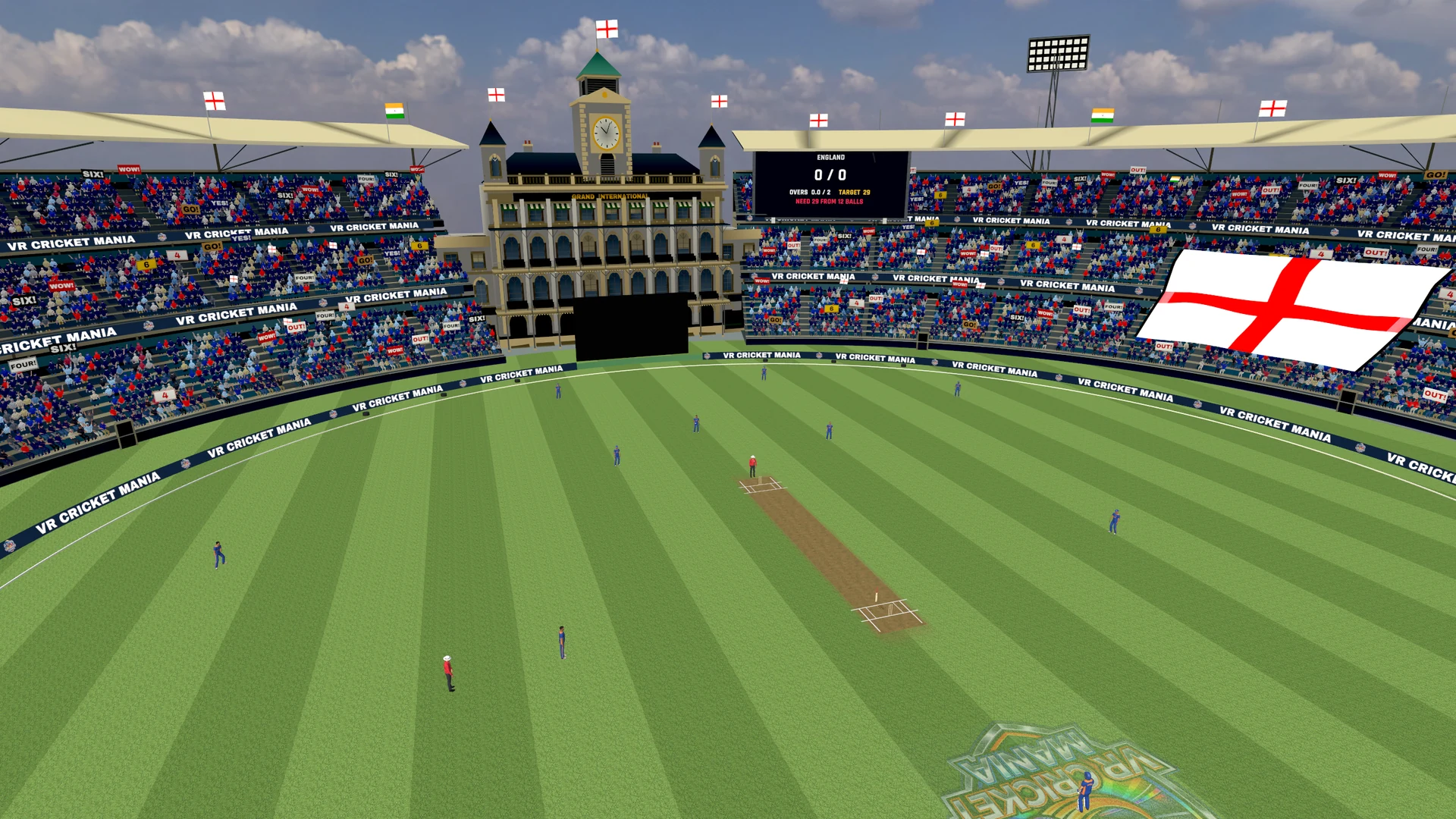
Choose a mode, pick your batting hand and select your bat in match setup. Stand comfortably at the crease with room to move your controller.
Point at an option and pull the controller trigger.
Face the direction you want to play and hold the Meta button to recentre your view.
Use the in-game grip setup instructions to align your virtual bat. Your controller should feel comfortable before you start swinging.
START WITH THE BASICS
01COMFORT FIRST. TIMING NEXT.
02 / MEET THE BALL
LET THE BALL
COME TO YOU.
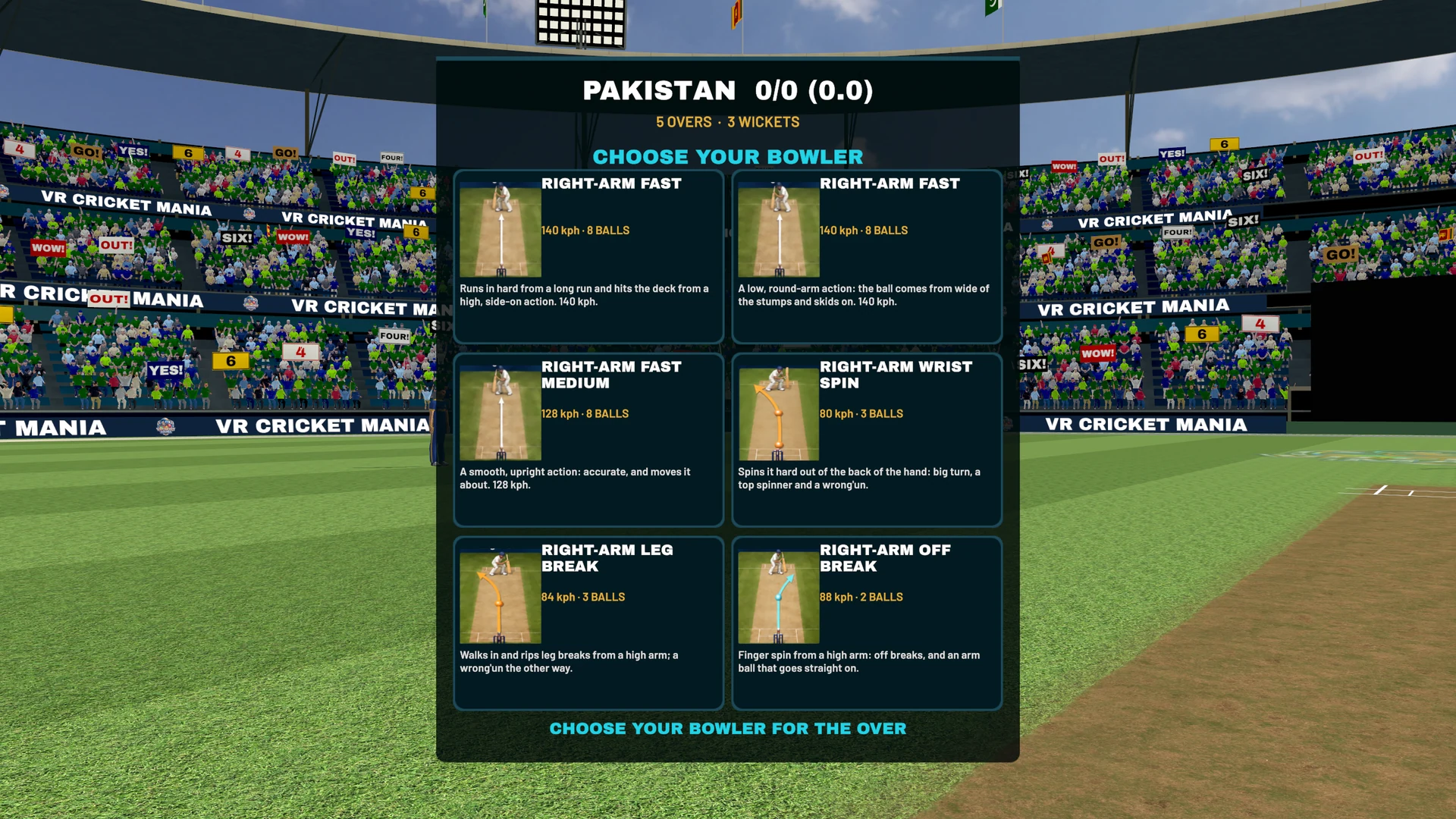
At the start of an over, read the bowler’s variation panel and select Start over. Look at the bowler until the readiness ring fills. Get set as the run-up begins.
Watch the release, judge the line and time your swing. Use controlled movements—you don’t need to swing as hard as possible.
Open the pause menu with the Menu or B button. The in-game How to Play screen has the controls for the current build.
03 / BUILD YOUR SHOT
REPEAT THE BALL.
IMPROVE THE REPLY.
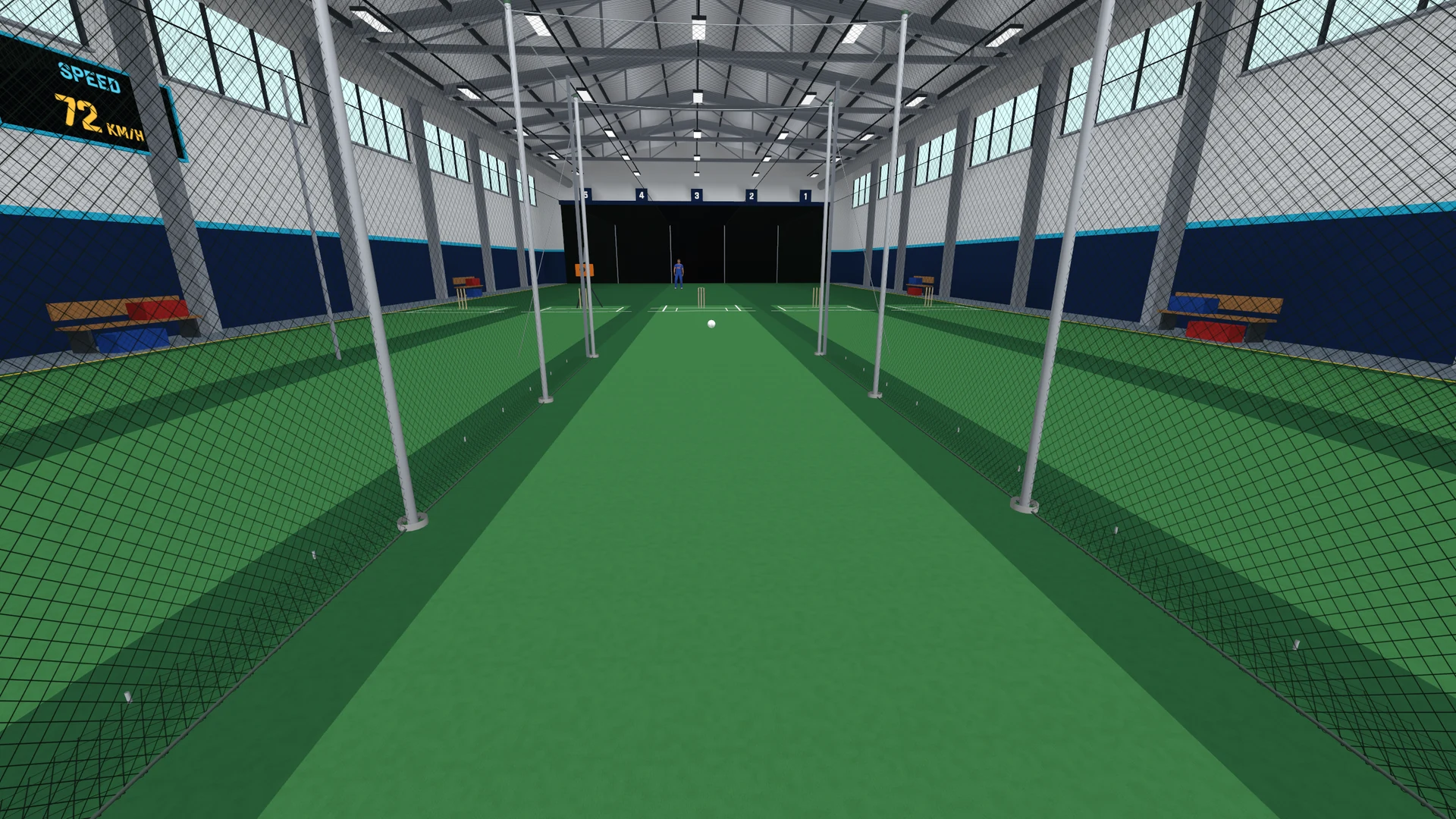
Open practice and choose the nets or practice ground. On the practice bowling panel, select a bowling type and variation, then choose a spot on the pitch diagram.
- Repeat a line and length while you work on timing
- Try pace, swing and spin
- Use replay and shot feedback to review your attempt
- Change the delivery when you’re ready for more
04 / BRING A FRIEND
MAKE IT A MATCH.
CREATE.
Open Multiplayer → Head 2 Head → Create. Choose the match settings and start your room.
SHARE.
Send the room code to your friend privately. They open Join and enter it. Both players need a compatible game version and a working connection.
PLAY.
Take your roles, choose deliveries, place your fielders and compete. Voice controls are available when the release’s voice service is enabled.